
Never pay an uninsured vendor again
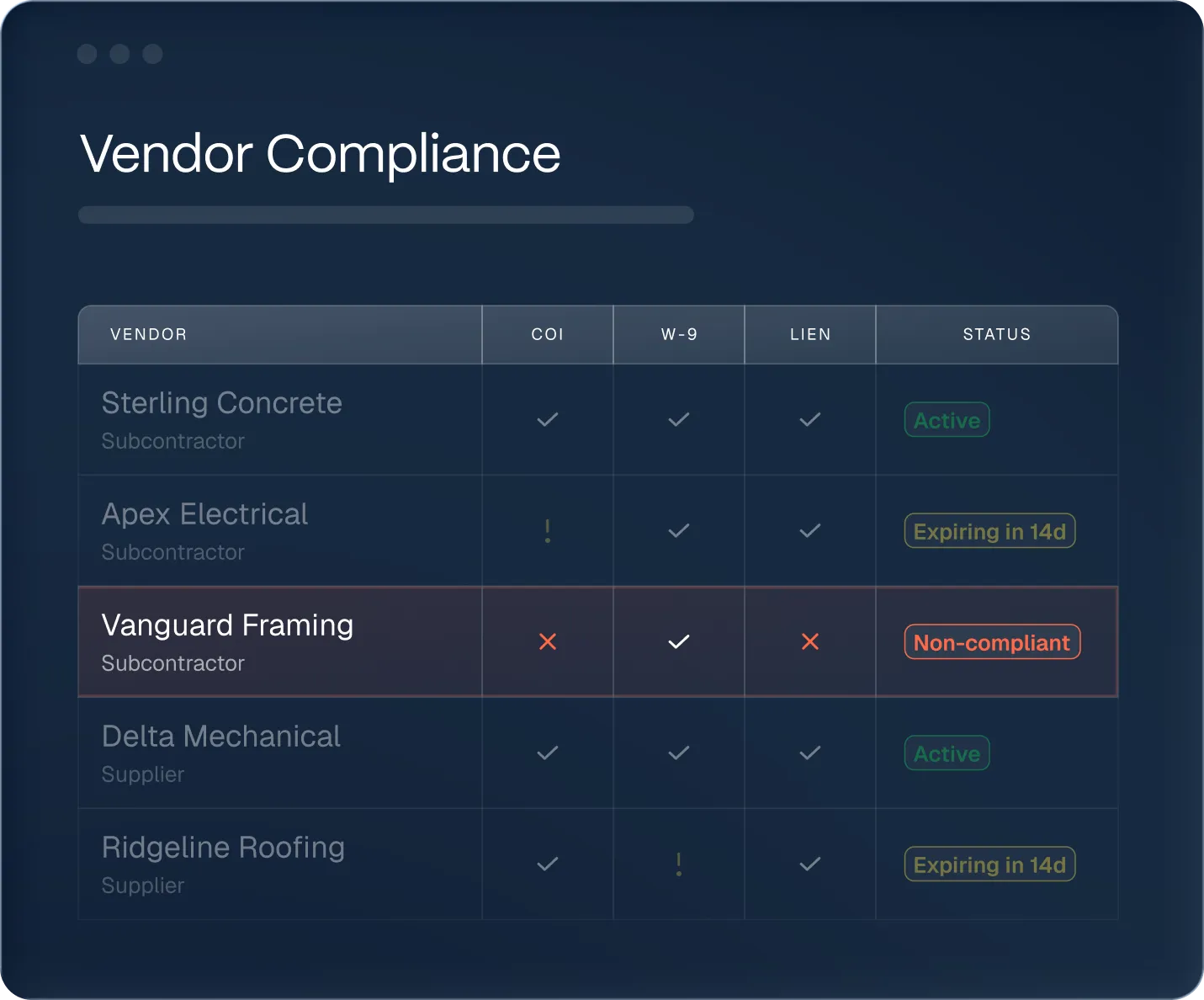










Why contractors choose Agave for Vendor Compliance
Every vendor tracked, verified, and cleared before they're paid
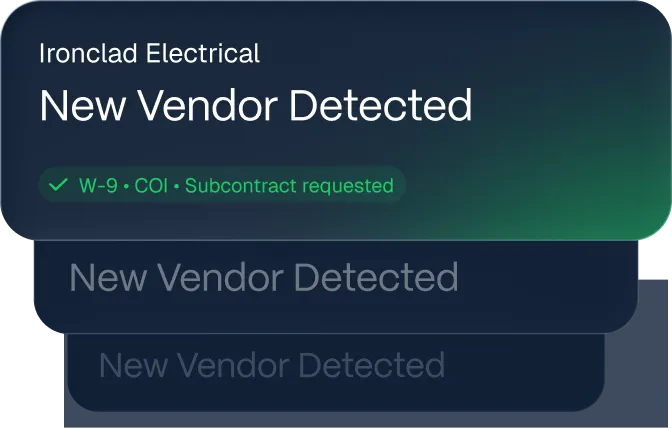
Detect new vendors automatically
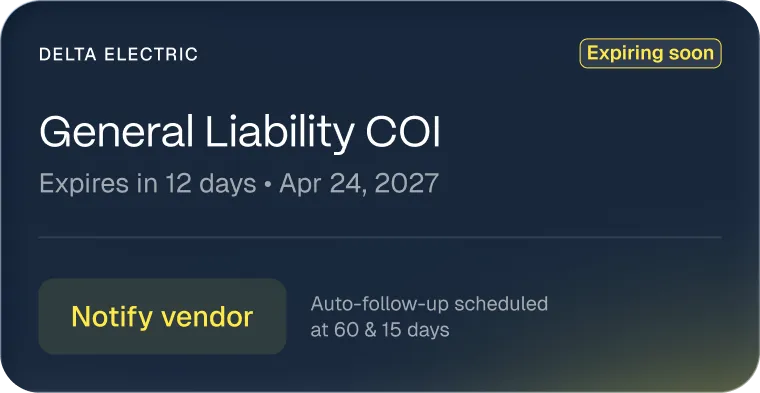
Catch expirations and chase vendors for you
Built for the complexity of construction finance
Unlike generic tools, Agave handles the messy realities of construction vendor compliance.
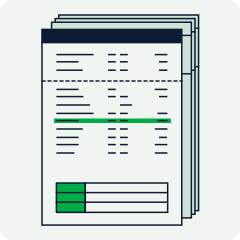
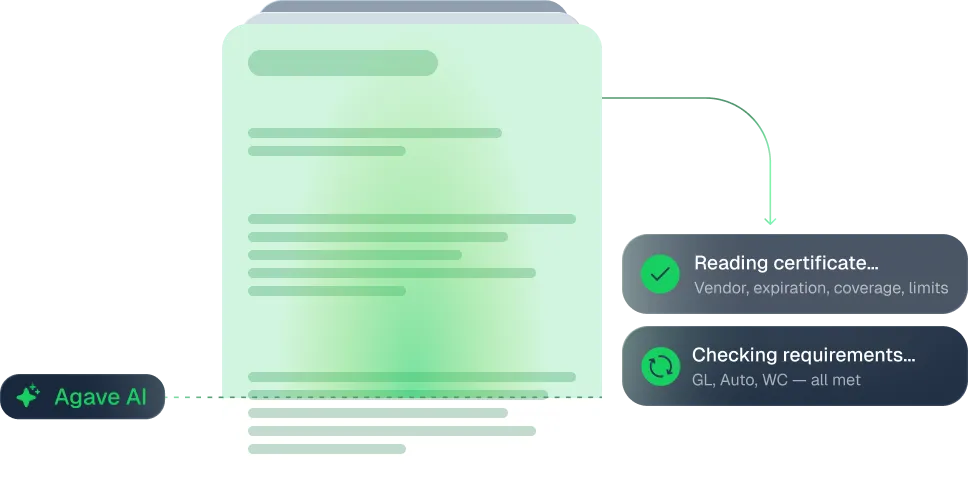
Multi-page certificates with riders, exclusions, and endorsements (Additional Insured, Waiver of Subrogation) — Agave reads them and checks the coverage types and limits against what you actually require.
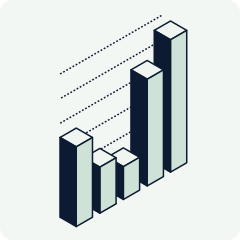
Subcontractors, suppliers, and service providers don't carry the same requirements — and some jobs demand higher insurance limits than others. Agave applies the right requirements by vendor type and by project, so a sub that clears a standard job gets flagged on a stricter one.
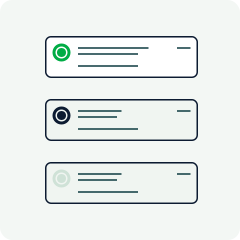
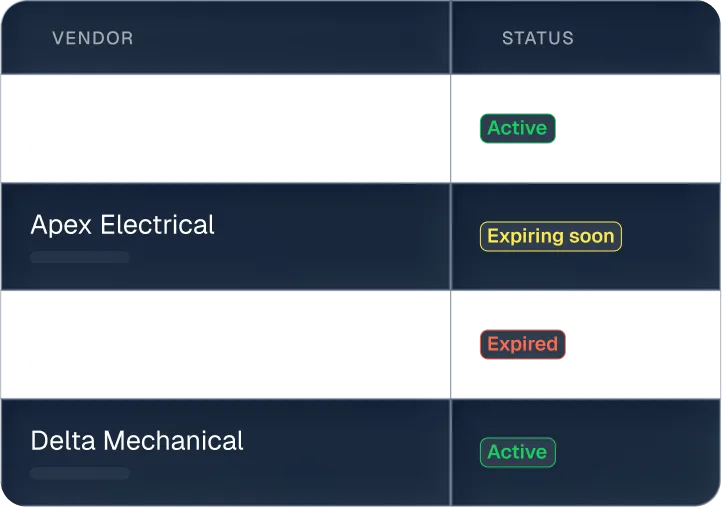
Active, Expiring Soon, Expired, Missing, Exempt — every vendor and document rolls up to a status your team can act on, by vendor or by project.
Up and running in days, not months
No lengthy implementations or complex migrations. Our team handles the heavy lifting so yours can focus on building.


Our team configures the integration with your ERP securely, so nothing falls through the cracks.

We help define your document requirements by vendor type — coverage types, limits, and which docs each vendor owes — and load your existing vendors.

Our solutions specialist leads hands-on onboarding for your accountants, PMs, and admins.
Seamless integrations with your systems
.webp)





Centralize your financial operations on one platform
ERP Sync

AP Automation
Expense Management


AI Analytics
Agave MCP
Frequently Asked Questions
.svg)
COIs (certificates of insurance), W-9s, lien waivers, and subcontracts / work agreements out of the box, with requirements configurable by vendor type and project. Additional document types — like certified payrolls — can be added as your requirements grow.
AI extracts the coverage types, limits, and endorsements from the certificate and reconciles them against the requirements you've defined — instead of someone eyeballing a PDF. It handles multi-page certs with riders and exclusions, and applies stricter requirements on the projects that need them.
Yes. Agave is the source of truth, but it pushes compliance status and data out to Procore and your ERP over the same integration — so PMs can see whether their subcontractors are compliant in the system they use every day, and accounting sees it in the ERP.
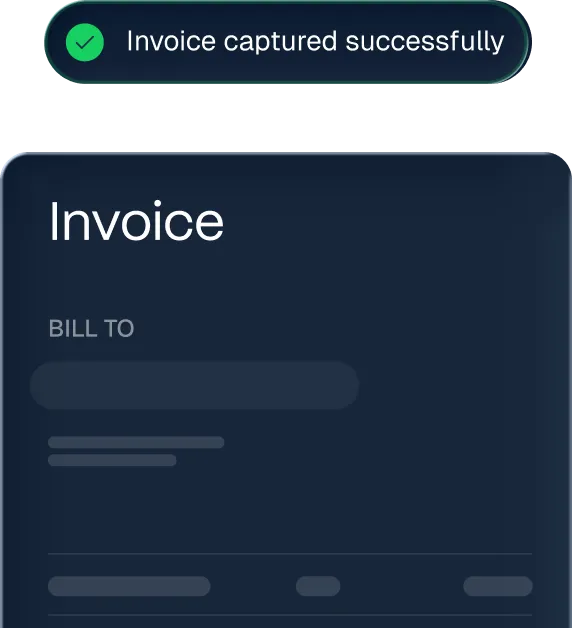
No. Compliance docs usually arrive by email. Agave monitors your inbox, recognizes the document, and ingests it automatically, extracting the vendor, expiration date, and key fields — replacing the manual keying into your ERP most teams do today.
Agave tracks every expiration date and flags what's expiring or missing ahead of the lapse, and can follow up with the vendor automatically to request the new document — so you're not discovering an expired COI after an incident.
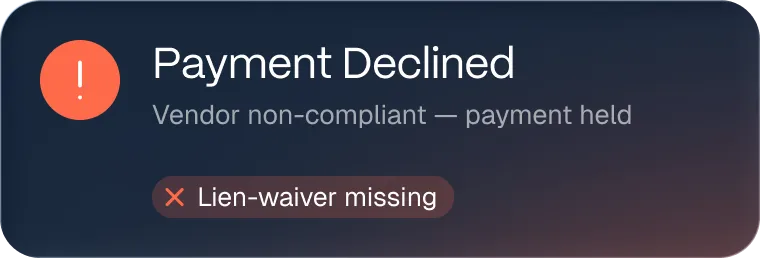
Yes. When paired with AP Automation, non-compliant vendors are surfaced before their invoices get approved. Lien-waiver rules can also hold a subcontractor's next pay application until the prior waiver is submitted, giving you a real gate before payment rather than a soft warning.
Agave detects new vendors and can request the required documents from them, so a sub can't quietly start work without the paperwork in place.