




Less manual work. Faster closes. Full financial visibility.

Close your books faster
Automate invoice capture, approvals, and expense reconciliation — all coded to the right jobs and pushed straight to QuickBooks Online. Your team stops chasing paper and closes the month in days, not weeks.

Eliminate manual data entry
Sync jobs, costs, and commitments between QuickBooks Online and Procore or Autodesk Forma automatically, and keep vendor records, compliance docs, and insurance current without the follow-up. No re-keying, no reconciling across systems.

Turn data into decisions
Get instant visibility into spend, job costs, and project financials. Build reports in plain language, or connect your QuickBooks Online data to AI tools.
The financial operations layer for QuickBooks Online
Mix and match the Agave products you need, all built on top of QuickBooks Online.
ERP Sync
Sync data between QuickBooks Online and Procore or Autodesk Forma in near real-time.
.png)
AP Automation
Capture, code, and approve invoices, then push them straight to QuickBooks Online.
Expense Management
Track field spend and reconcile it against QuickBooks Online, with receipts and card spend coded to the right jobs.
.webp)
AI Analytics
Build interactive reports with your QuickBooks Online and project data in plain language.
MCP
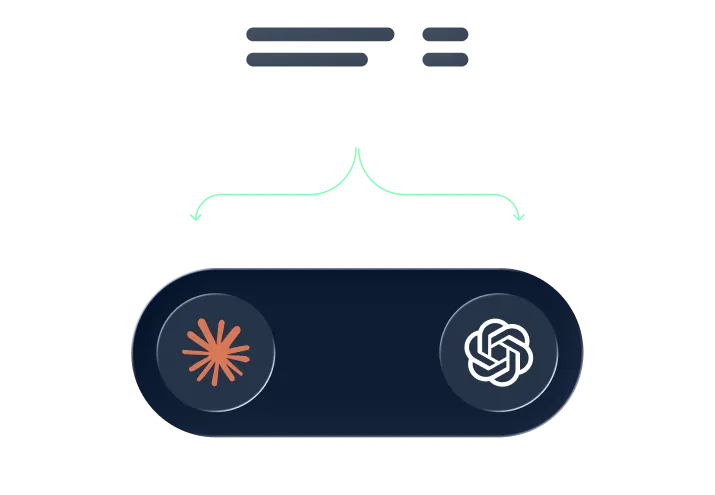
Connect your QuickBooks Online data and Procore/Autodesk Forma to ChatGPT or Claude and prompt in plain language.
Vendor Compliance
Keep vendor records, compliance docs, and insurance up-to-date, and catch expired docs before they cost you.

Your questions, answered.
.svg)
Yes. Agave integrates with QuickBooks Online and adds a full financial operations layer on top of it. Construction finance teams use ERP Sync to keep QuickBooks Online data in sync in near real-time, AP Automation to capture and approve invoices, Expense Management to track card and field spend, Vendor Management to stay on top of compliance, AI Analytics to report in plain language, and MCP to connect QuickBooks Online data to ChatGPT or Claude. Mix and match the QuickBooks Online integrations you need.
No. Every Agave product works with QuickBooks Online on its own, so you can start with just AP Automation, Expense Management, or any other product and add the rest later. You only pay for the QuickBooks Online tools you actually use.
Agave pricing depends on the products you choose and how your team uses them, so we build a custom quote rather than a one-size-fits-all price. Tell us which QuickBooks Online products you need and we’ll walk you through pricing, use cases, and the right bundle. Book a demo or hit “Get started” to see pricing for your team.
Yes. Agave is modular, so you can start with a single product — like AP Automation or Expense Management — and add more as you grow. Every product works together on the same platform, so expanding your QuickBooks Online setup later is simple.